Commenters are called Guests in Superflow. They can leave and reply to comments on the projects they are invited to, and nothing else. This is the right role for clients and outside reviewers. See Team Users and Guests.
1

On the Superflow Dashboard, click Users in the left sidebar

Then click Invite Users in the top right.
2

Enter the person's email and switch the user type to Guest

Pick which project they should have access to.
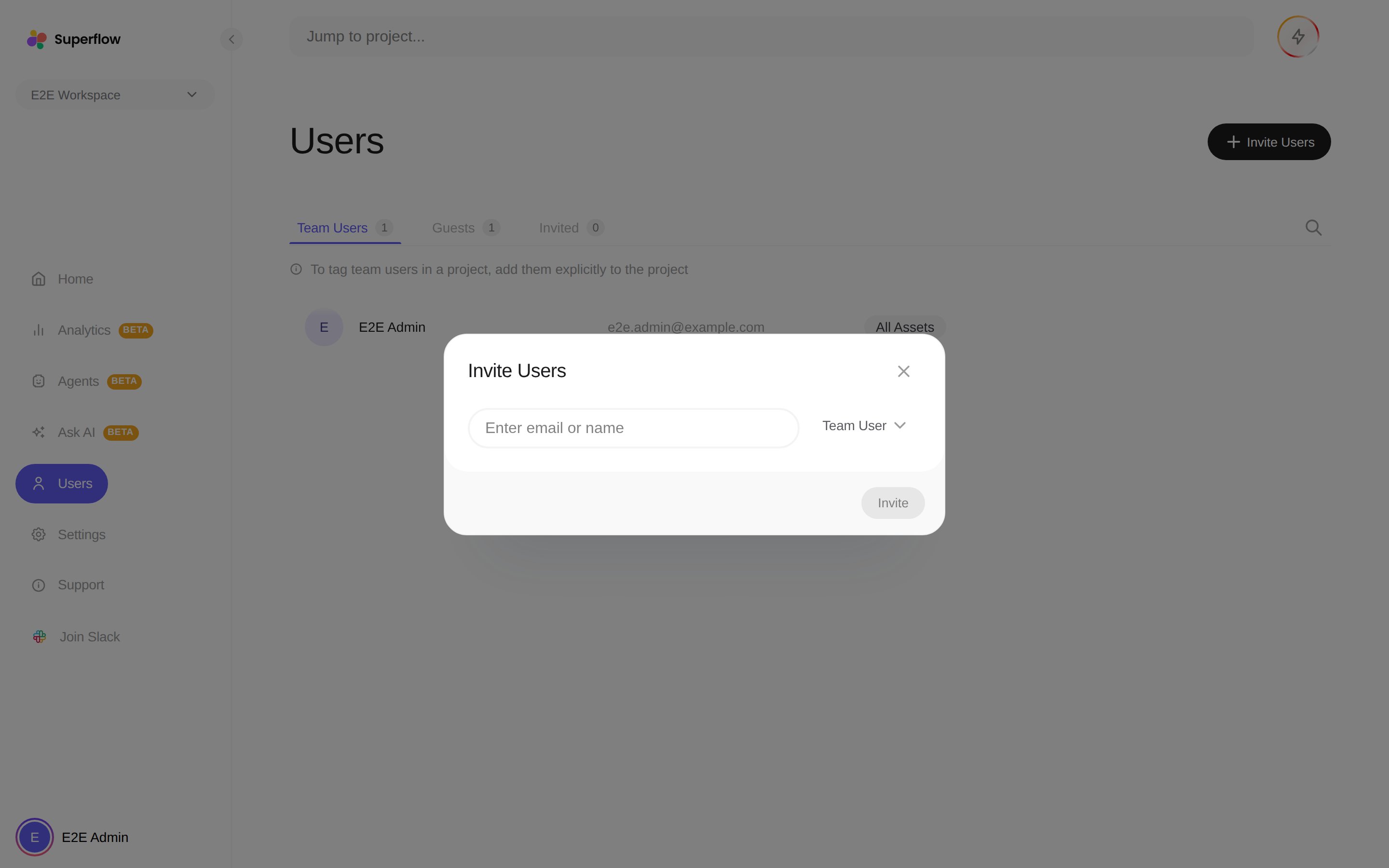
The Invite Users dialog, where the user type dropdown offers Guest
3

Click Invite

They receive an email that takes them straight to the project in review mode.
If the project has guest mode enabled, you can skip the invitation entirely: copy the review link and anyone who opens it can comment.