1
Find the Superflow Toolbar and click the Comment icon
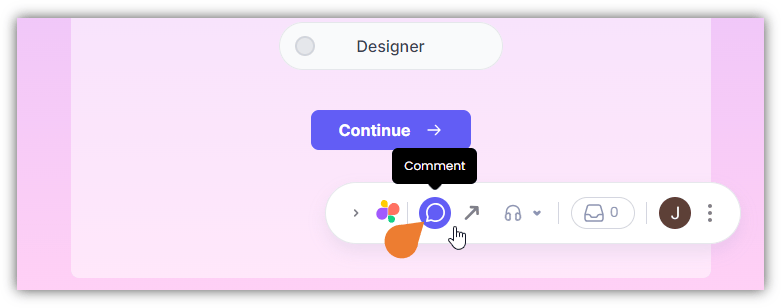
2
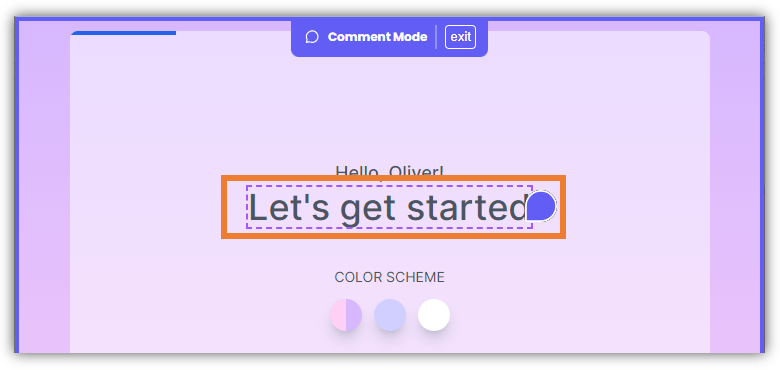
After clicking the icon, click the Element you want to comment on
Note: when you hover your cursor on an element, it will appear as a Comment icon which signifies that you selected the comment feature.
3
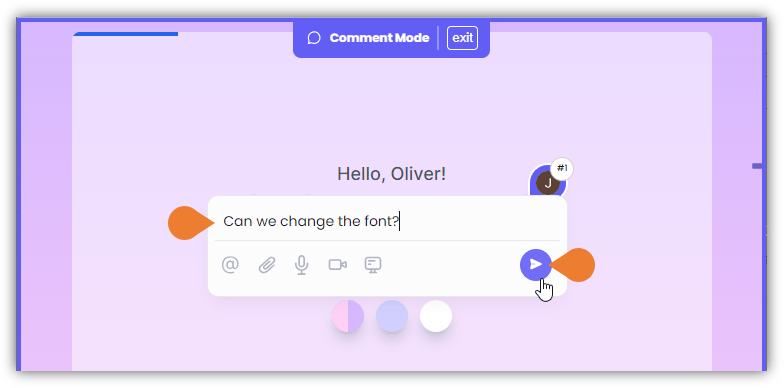
The Comment Box will appear, enter your comment or type @ to add other users
Note: the Comment Box lets you add users, attach files, record audio, record videos, and record screens.
4
Click the Post button to post your comment
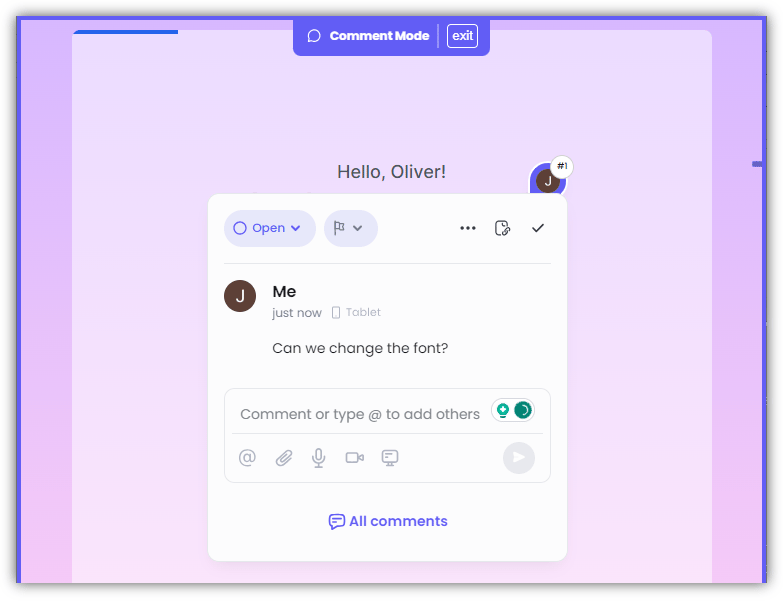
5
Once you click the Post button, a comment thread will appear on the selected element