

1
Enter into the Comment Mode
See How to Enter/Exit Comment Mode.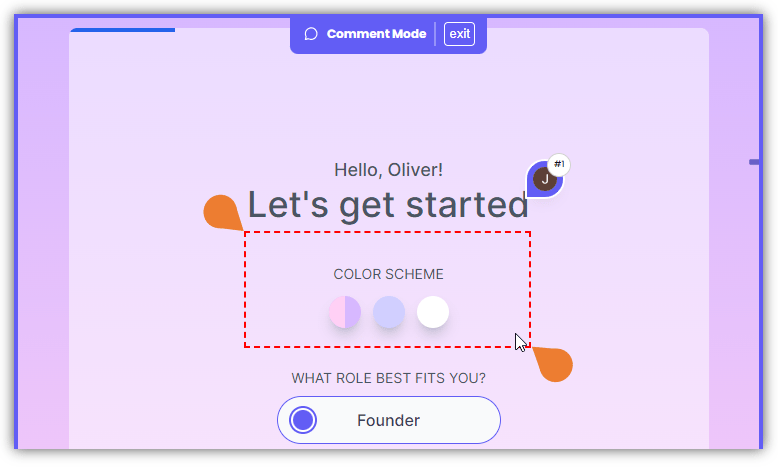
2
Find the area on the page where you want to draw a box comment
Left Click on the area, hold it, and drag the box to determine the box size.
3
After drawing the box, the Comment Box will appear…
After drawing the box, the Comment Box will appear, enter your comment or type @ to add other users.
the Comment Box lets you add users, attach files, and record audio, videos, and screens.
4
Click the Post button to post your comment