

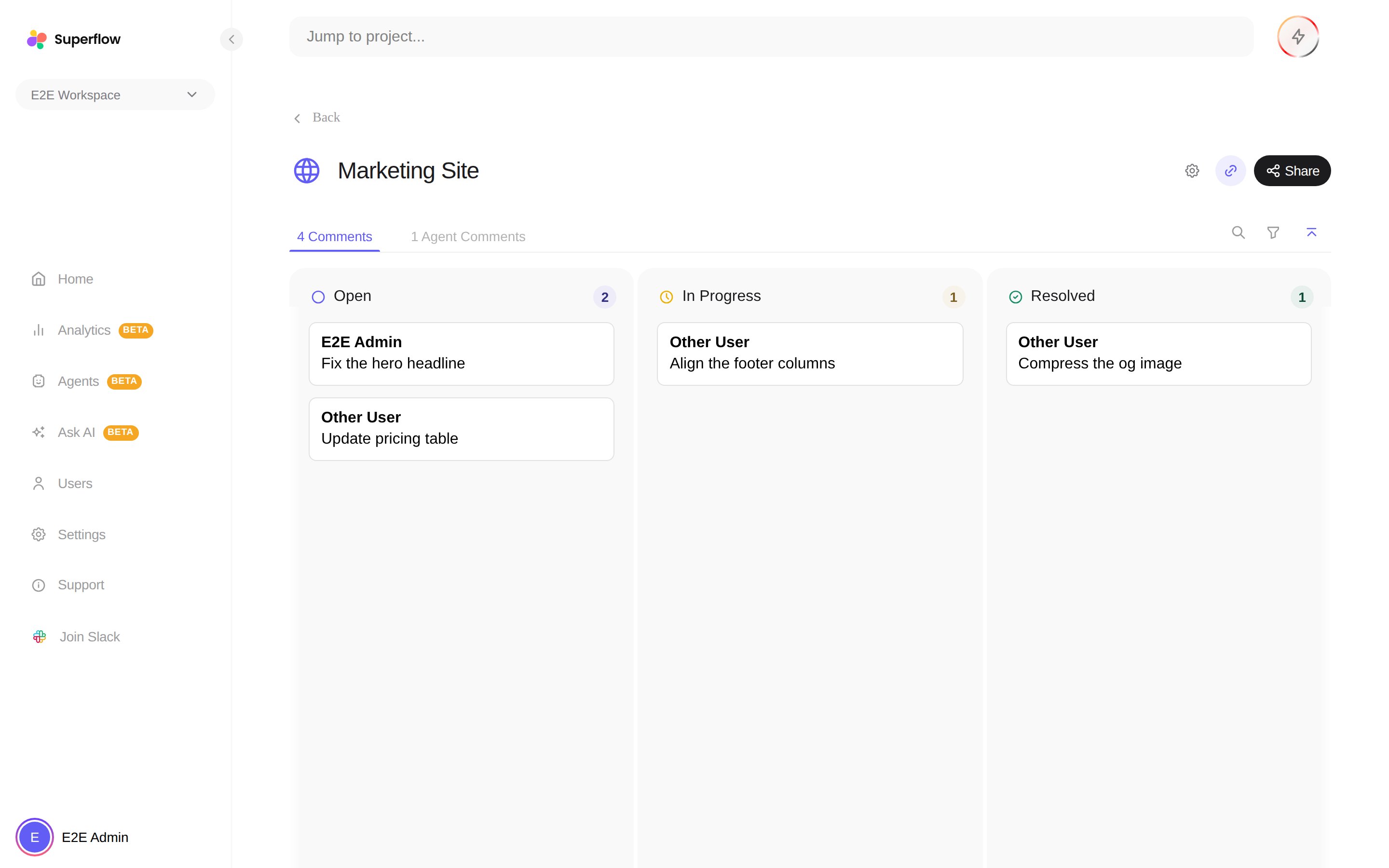
Working the board
- Drag a card to another column to change the comment’s status. The change syncs everywhere, including on the live site.
- Click a card to read the thread and reply without leaving the board.
- Use the external link on a card to open the live page where the comment was left.
- Search finds cards by text, and the filter narrows the board by person (All, For Me, Added By Me, QA Agent) or by page.
- Press F or click the Focus button to expand the board to the full window.
- Columns can be dragged to reorder, and the + zones between columns create new statuses.
Agent findings live on their own Agent Comments tab next to the board, so automated findings never clutter your team’s feedback. See How to Review Agent Findings.