

1
Go to Settings, then Advanced Features
Scroll to the Email Notifications section.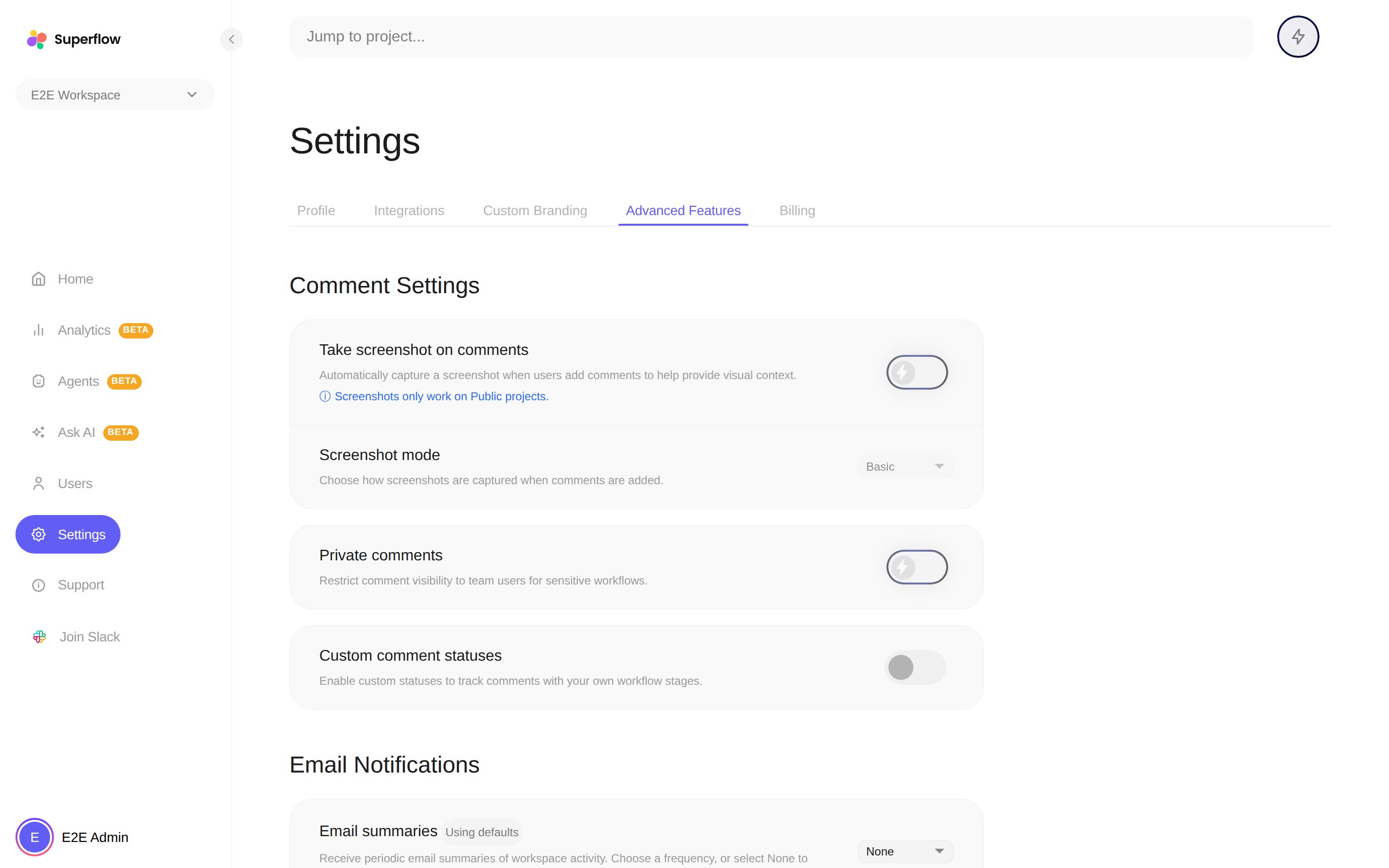
2
Pick a frequency for email summaries
Choose how often the digest arrives from the frequency dropdown, or pick None to turn summaries off. Until you change it, Superflow uses the default schedule.
3
Send yourself a test email
Use Send test email to check what the digest looks like and confirm it lands in your inbox rather than a spam folder.