

1
On the site under review, find the toolbar and click Sign in
The toolbar sits in the bottom corner of the page. The Sign in button is on its right side.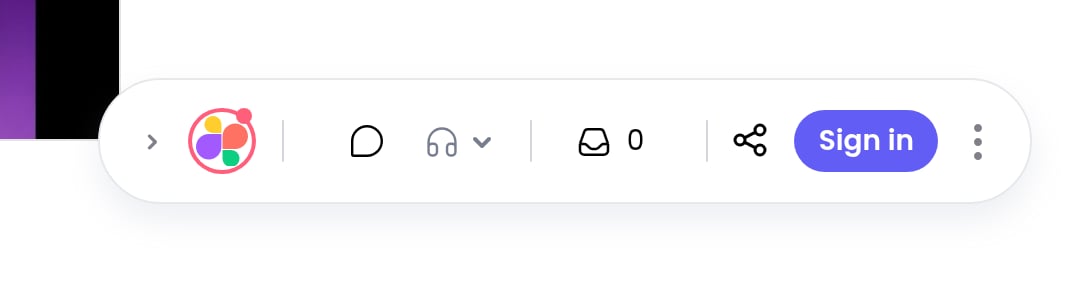
2
Pick a sign-in method on the Superflow login page
You can continue with Google, Microsoft, or your work email. Email sign-in sends you a 6-digit verification code.
3
You are returned to the page, signed in
Your avatar appears in the toolbar, and your comments are now attributed to you.
If the project has guest mode enabled, you can also comment without an account: just add your name when prompted, or stay anonymous.