

1
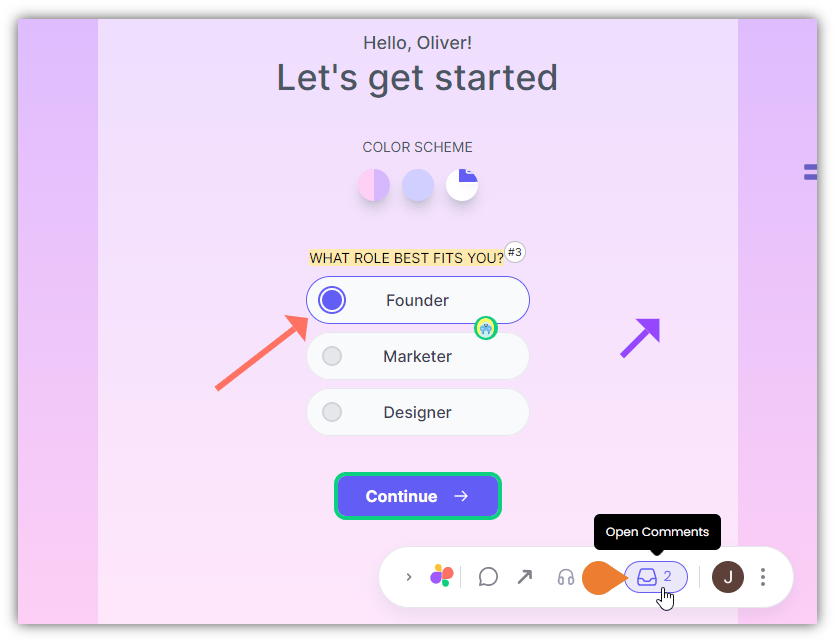
Find the Superflow Toolbar and click the Open Comments icon
2
The Comments Sidebar opens
On the top of the Comments Sidebar, find and click the Search comments field.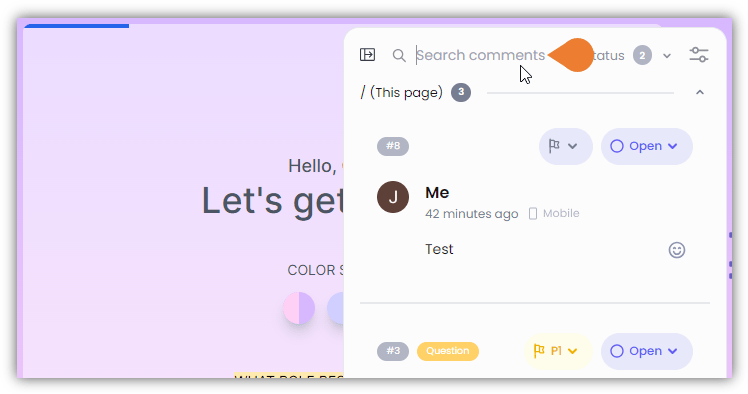
3
In the Search comments field, enter the comment keyword

4
When you start typing the keywords…
When you start typing the keywords, the Comments Sidebar automatically displays related search results.