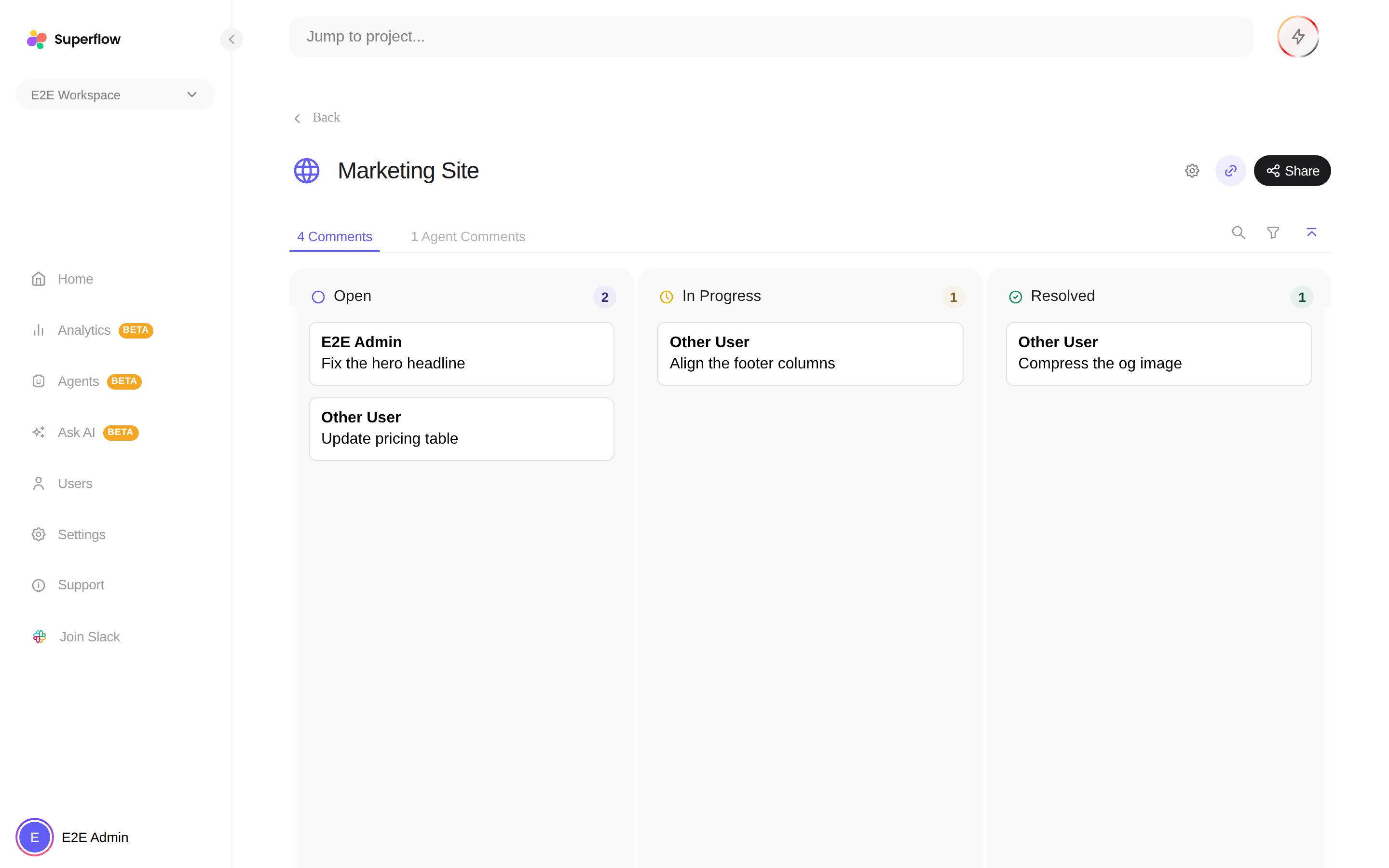
To see every comment on a project, open the project from the Home page on the Superflow Dashboard. The Comments tab shows all feedback as cards, grouped into status columns, with a count in the tab label.
The project board showing all comments grouped by status
  • The Comments count on the Home page’s project list gives you the same total at a glance, including draft comments.
  • Use the search box and filters to narrow by person or page, and click any card to read the full thread and reply.
  • The Agent Comments tab next to it collects findings from AI agents separately.
Want the comments outside Superflow? Export them as JSON or CSV, or connect Slack, Asana, ClickUp or Monday to push them into your tracker as they happen.