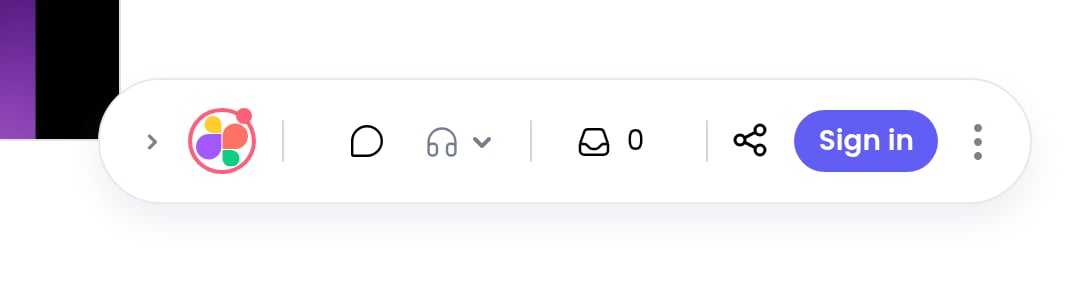
Sometimes the toolbar covers something you need to see. You can collapse it to a small pill without exiting review mode, and expand it again with one click.
To collapse the toolbar, click the chevron at its left end. Only the logo stays visible.
To expand it again, click the chevron next to the logo. All the tools come back.
You can also drag the toolbar to a different spot on the page if it is in the way.