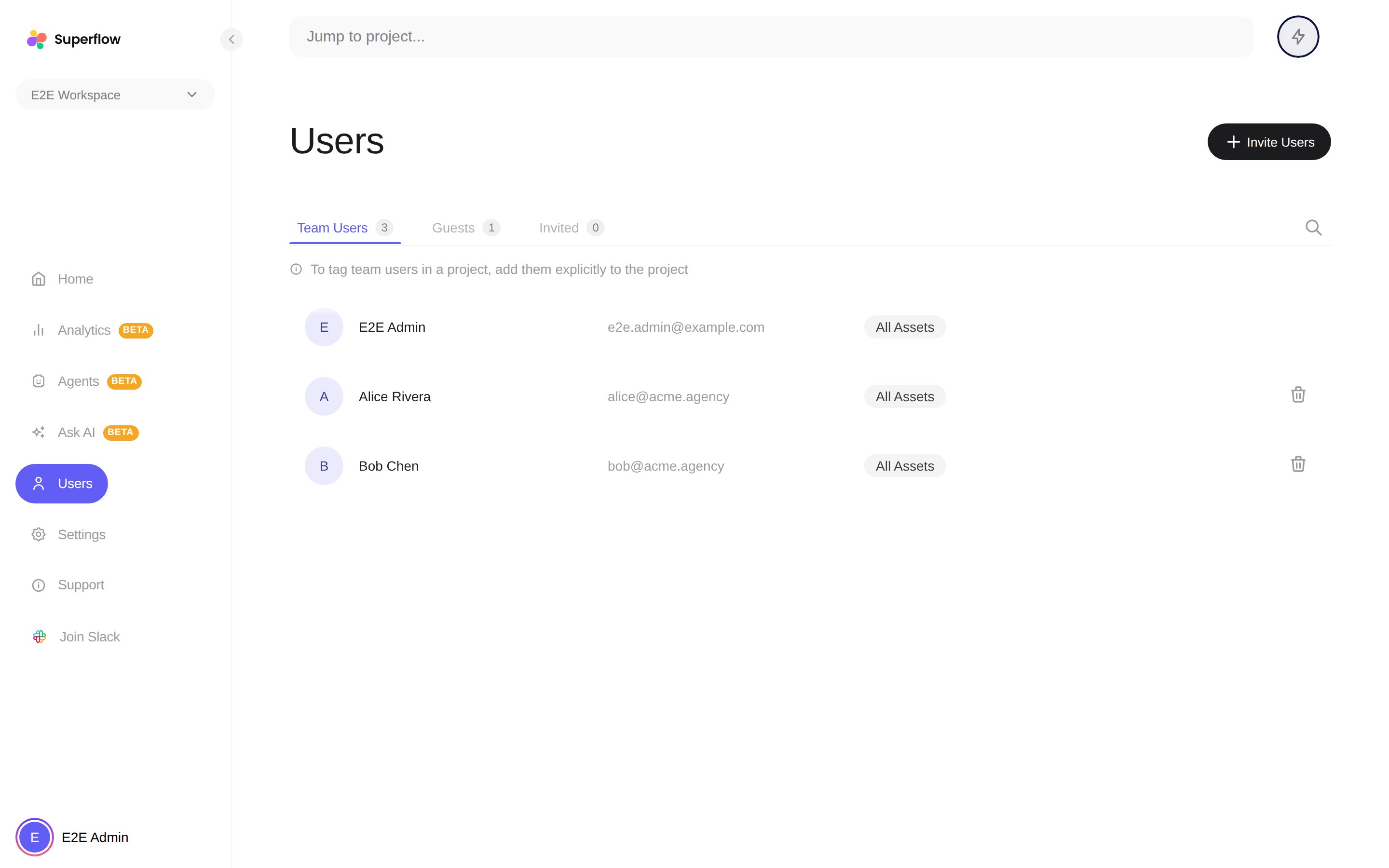
Inviting each role

- Team User joins the whole workspace. Enter one or more emails and send.
- Guest must be tied to a project. Pick the project, enter their email, and send, or skip email entirely and copy the Review Link for that project.
Documentation Index
Fetch the complete documentation index at: /llms.txt
Use this file to discover all available pages before exploring further.
🤖 Agents are in Beta. Describe a check in plain English and let Superflow review your site. See how
The two roles in a Superflow workspace, what each can do, and how seats work.
| Team User (Admin) | Guest (Commenter) | |
|---|---|---|
| Who it is for | Your agency’s team | Clients and outside reviewers |
| Access | Every project in the workspace | Only the projects they are invited to |
| Comment, reply, react | Yes | Yes |
| Set status and priority | Yes | Yes |
| Approve files | Yes | Yes |
| Create projects, manage settings | Yes | No |
| Invite users, manage billing | Yes | No |
| See private comments | Yes | No |
| Counts against | User seats | Guest seats |

Was this page helpful?