

1
On the Superflow Dashboard, click Users in the left sidebar
The Team Users tab lists everyone with admin access.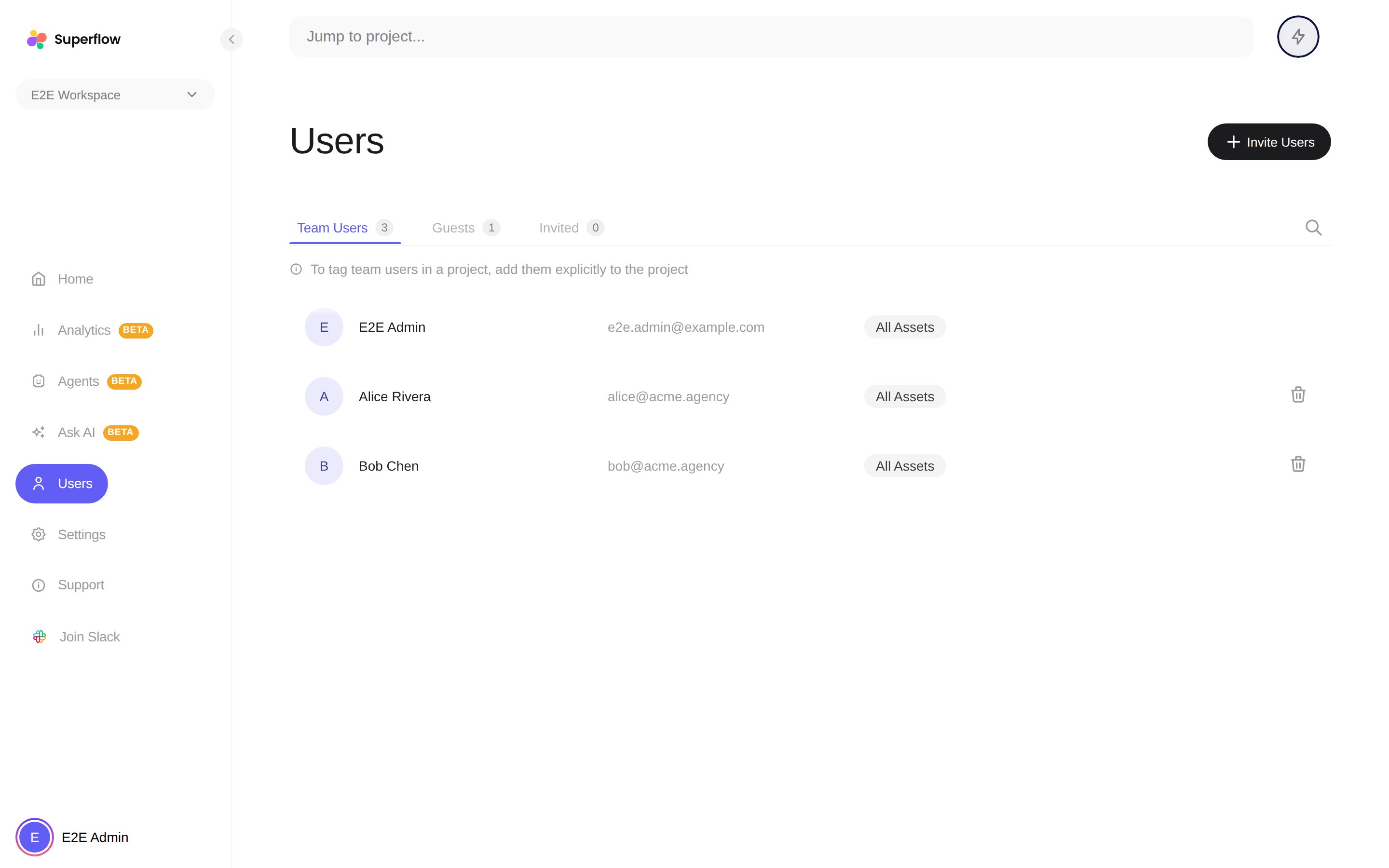
2
Find the person and click the trash icon on their row
The removal takes effect immediately: they lose access to the workspace and their seat is freed.
You cannot remove yourself or the workspace owner. To take back an invitation that has not been accepted yet, use the Invited tab instead.