1
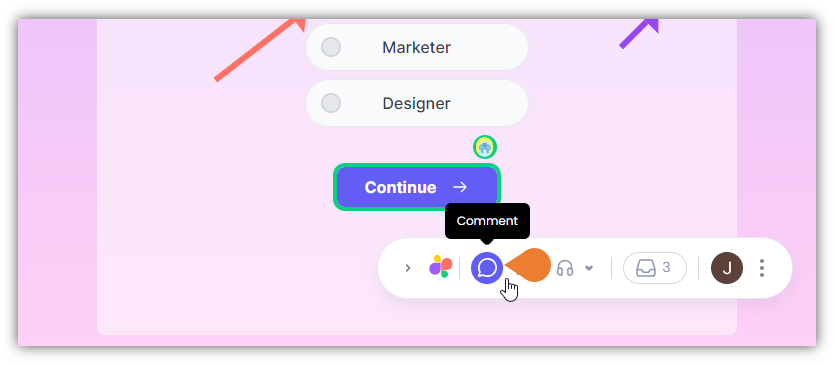
Find the Superflow Toolbar and click the Comment icon
2
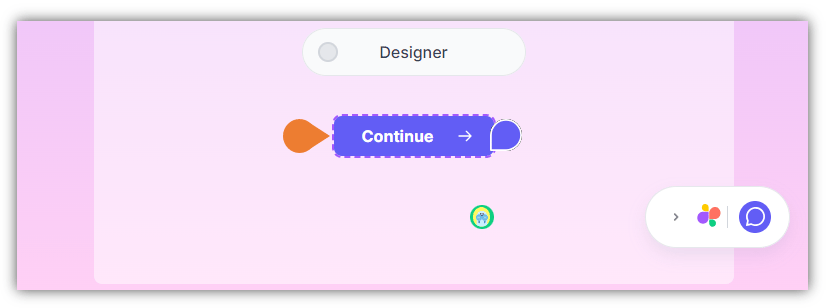
After clicking the icon, click the Element you want to comment on
Note: when you hover your cursor on an element, it will appear as a Comment icon which signifies that you selected the comment feature.
3
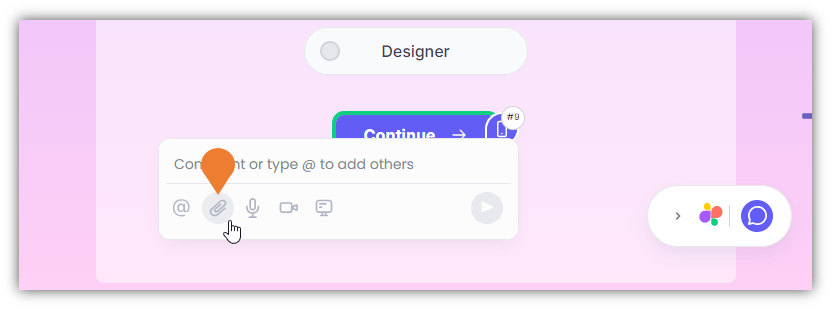
The Comment Box will appear, click the Attach Files icon
4
The File Location window will appear
Find and select the file to attach.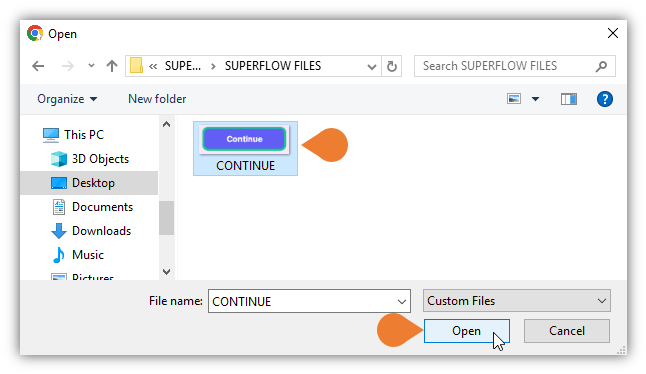
Note: this option only accepts image files such as png, jpg, gif, svg with less than 2MB file size.
5
Click Open to upload the file
6
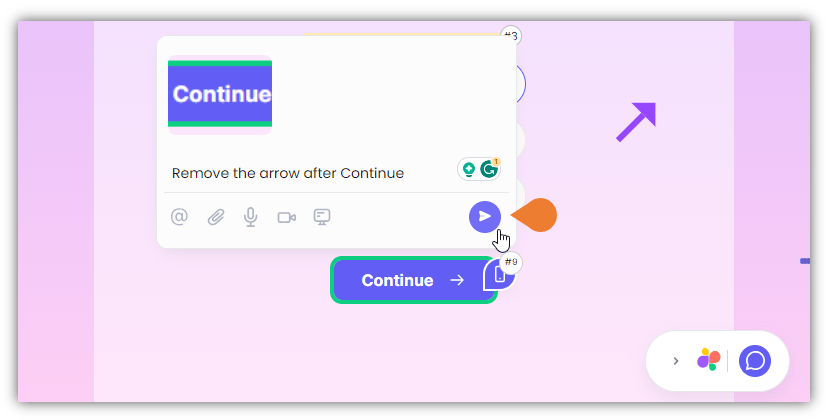
The selected file will appear in the Comment Box
You can add a description or a note in the comment field to include details of the attachment (optional). Click the Post button to comment with the attached file.