

Agents are currently in Beta. Each run consumes AI credits from your workspace balance, and the cost is always shown before you confirm a run.
Where to find it
1
On the Superflow Dashboard, click Agents in the left sidebar
The Workspace Agent is always pinned at the top of the agent list, above your own agents.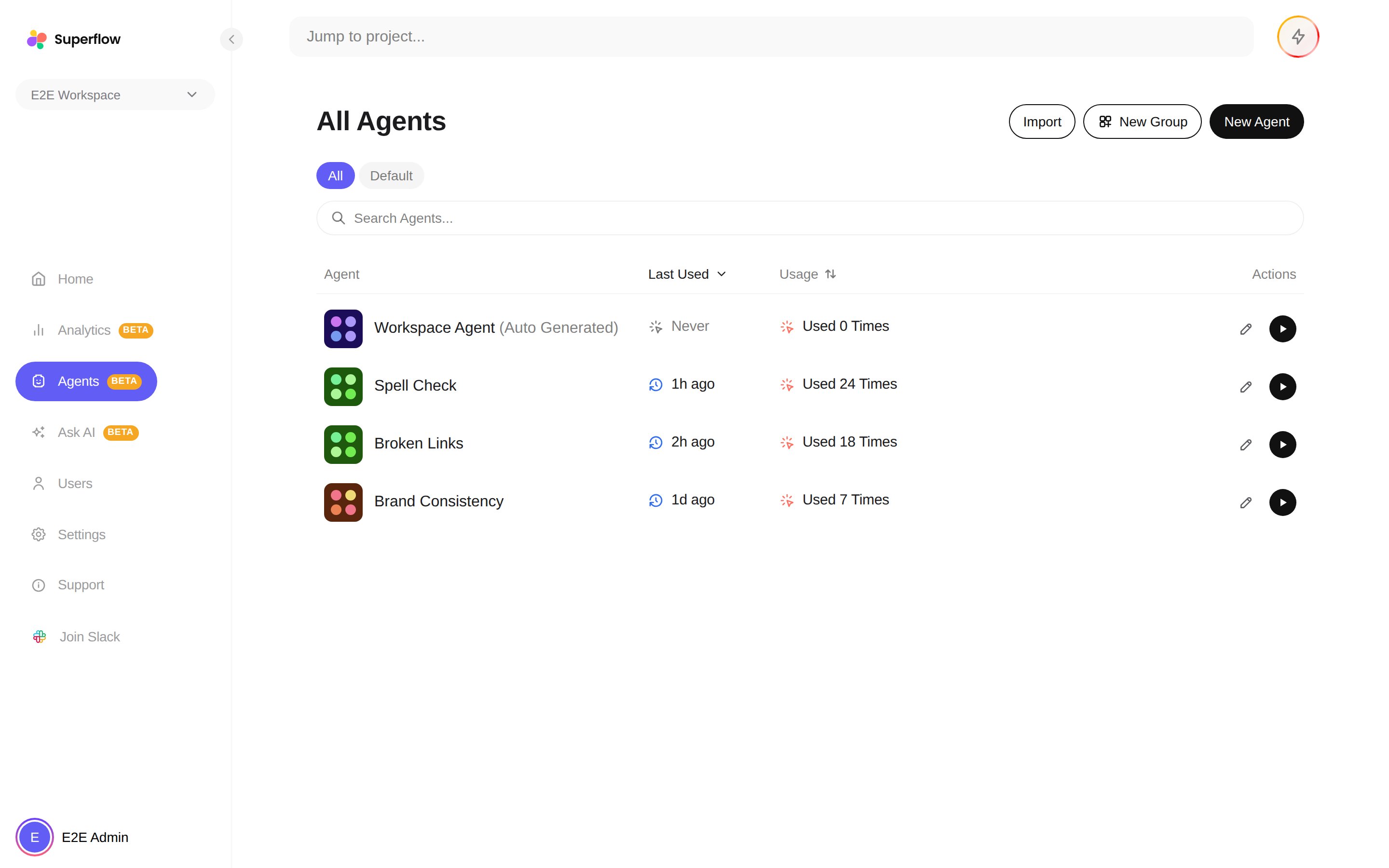
2
Click the Workspace Agent to open its checklist
The checklist is a table of rules with columns for Tests, Group, Utilization, and Created By. Utilization shows how often each rule has produced findings, so you can see which rules earn their keep.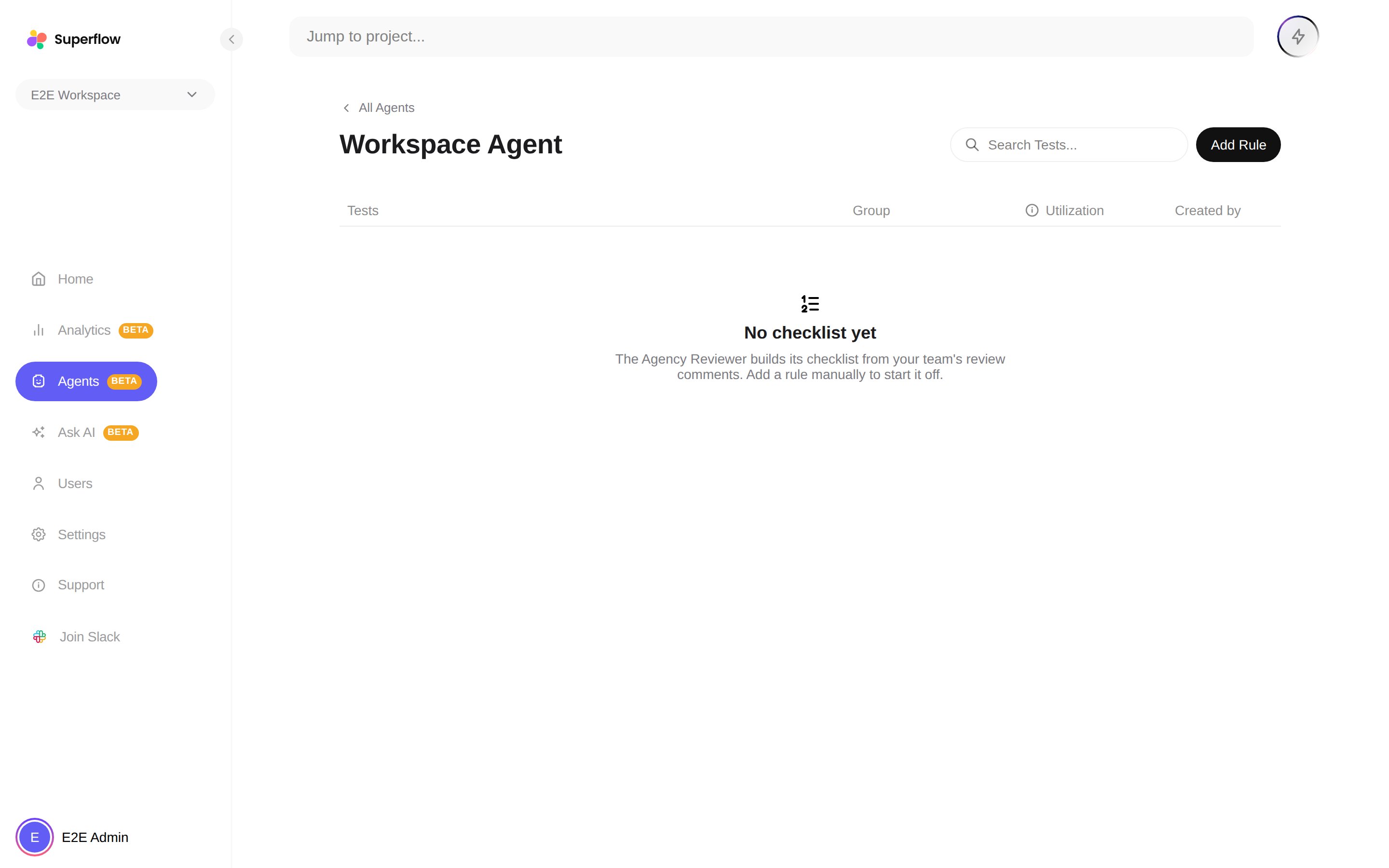
Adding and managing rules
1
Click Add Rule to open the inline composer
Write the rule in plain English, the same way you would brief a junior reviewer. For example: “All call-to-action buttons must use the primary brand color” or “Phone numbers must be formatted as (555) 555-5555”.
2
Edit, disable, or delete rules from each row
Every rule can be edited in place, toggled on or off without deleting it, or removed entirely. Disabled rules stay in the list so you can bring them back later.
3
Resolve conflicts when Superflow flags them
If two rules contradict each other, the conflicting pair is pinned above the list with a resolve action, so the agent never has to guess which one wins.