> ## Documentation Index
> Fetch the complete documentation index at: https://superflow-claude-superflow-portal-docs-78gpp8.mintlify.site/llms.txt
> Use this file to discover all available pages before exploring further.
# How to Remove Admin Users
> Remove a Team User from your workspace.
The **Team Users** tab lists everyone with admin access.
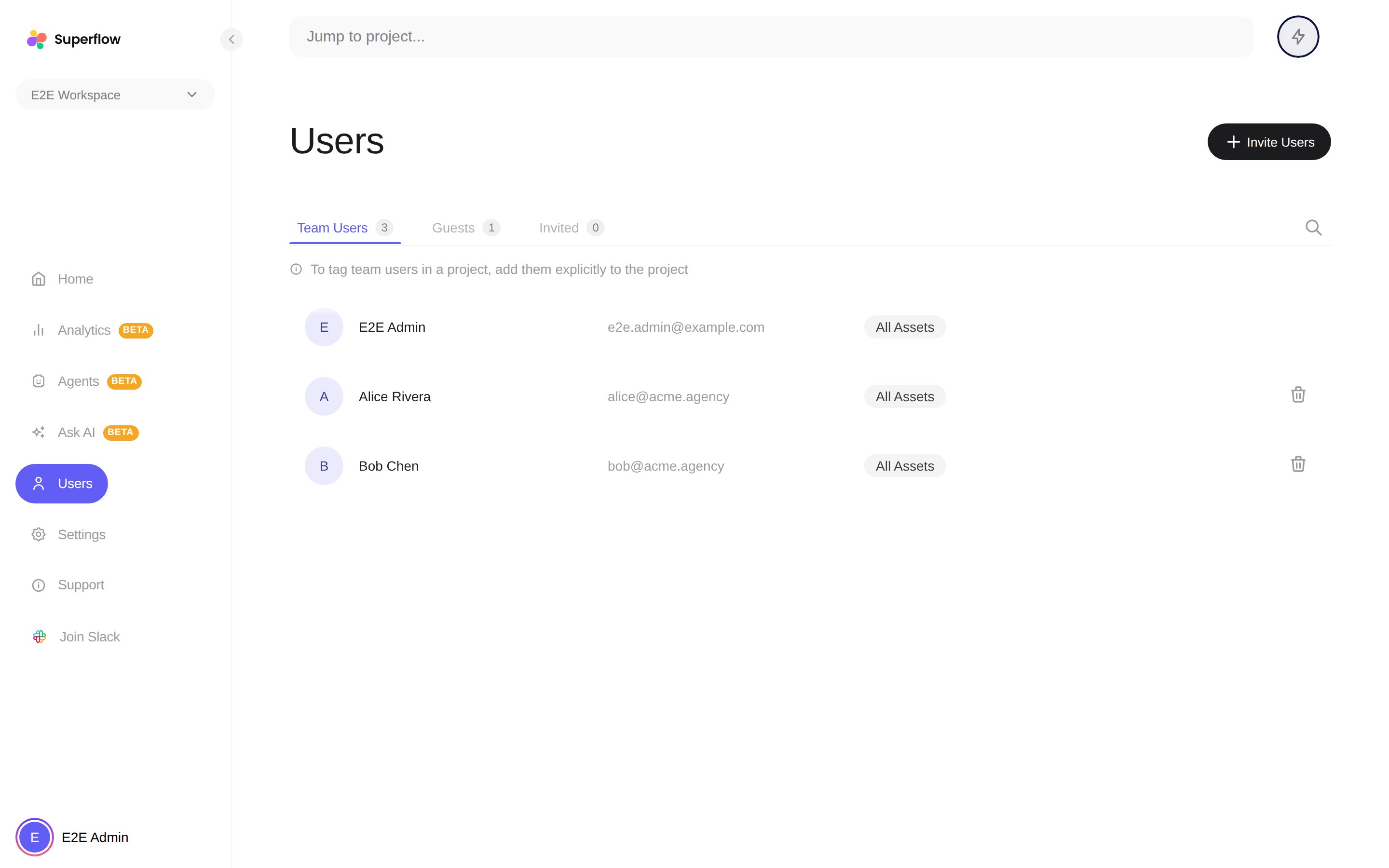 The removal takes effect immediately: they lose access to the workspace and their seat is freed.
You cannot remove yourself or the workspace owner. To take back an invitation that has not been accepted yet, use the **Invited** tab instead.
The removal takes effect immediately: they lose access to the workspace and their seat is freed.
You cannot remove yourself or the workspace owner. To take back an invitation that has not been accepted yet, use the **Invited** tab instead.